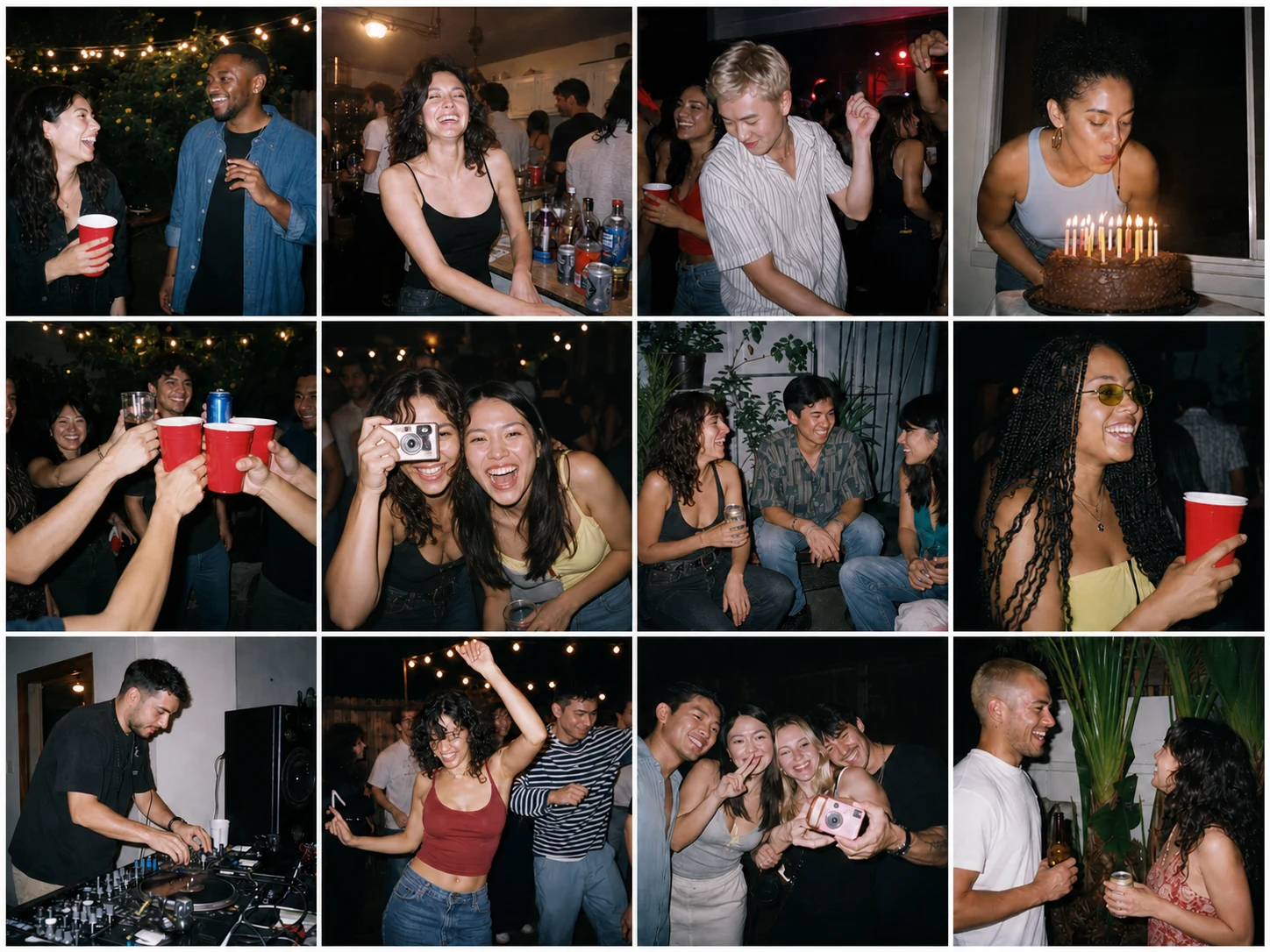
Everyone's photos.
One shared roll.
Create the album. Pass around one code. Wake up to the whole night.

Set it up before
the first guest arrives.
An album takes about a minute to make. Build it a few days ahead, put the code where people will look, and the night takes care of itself.
-
A few days ahead
Make the album
Name it, set the date, and leave it waiting. A free album lasts 3 months from the day you create it, so a few days early is right and a few months early is not.
-
The day before
Print the code
Every album carries a six-character code with a QR code beside it. Put them on table cards, the bar, the back of the invite.
-
As people arrive
Point at the table
Guests scan with the camera already in their hand, or type the code at sharedshots.site. Adding photos from a phone browser needs no download.
Add your photos to the album
Event code K4M2QPScan it, or enter the code at sharedshots.site
Start the album.
Let the night fill it.
-
Create it
Open an event album before people arrive.
-
Pass it around
Invite everyone with a six-character code or direct link.
-
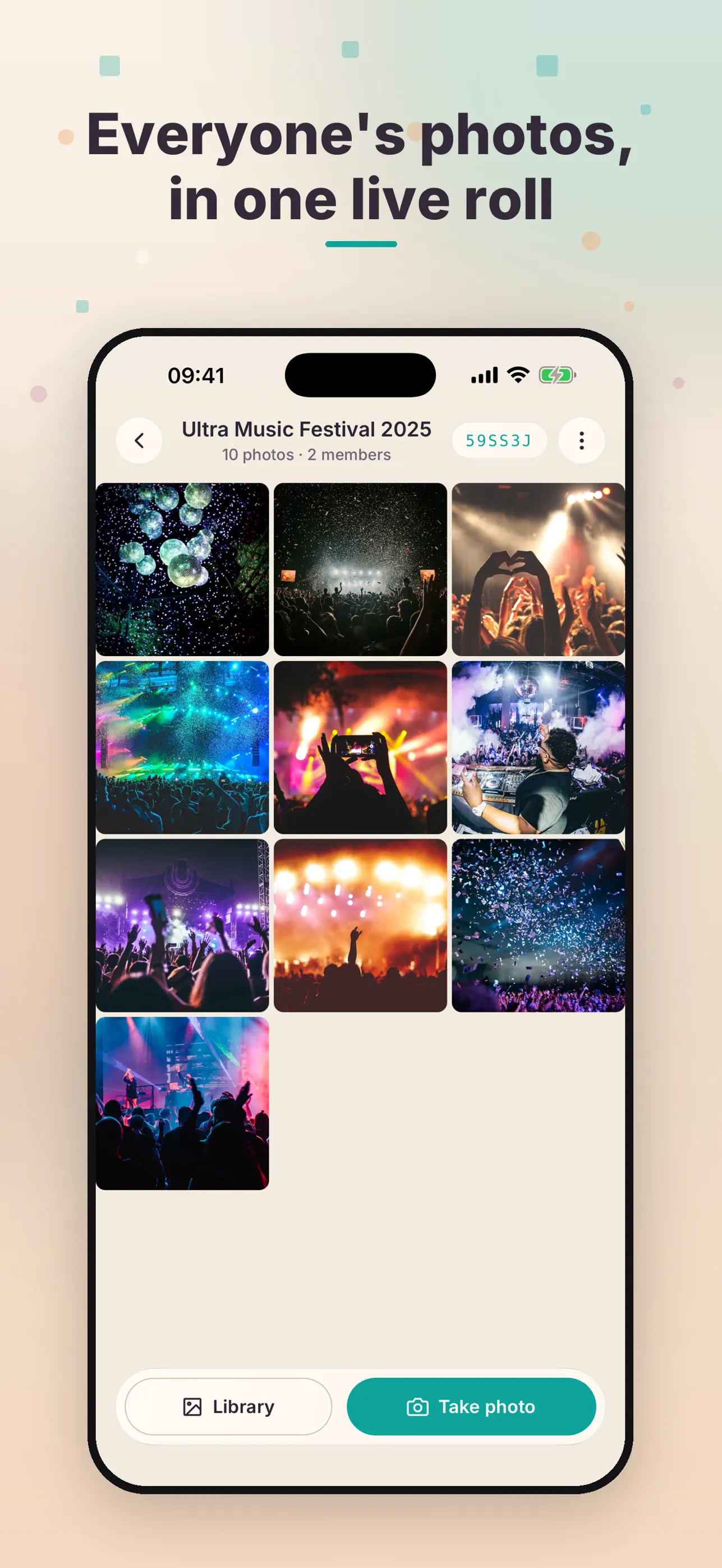
Watch it grow
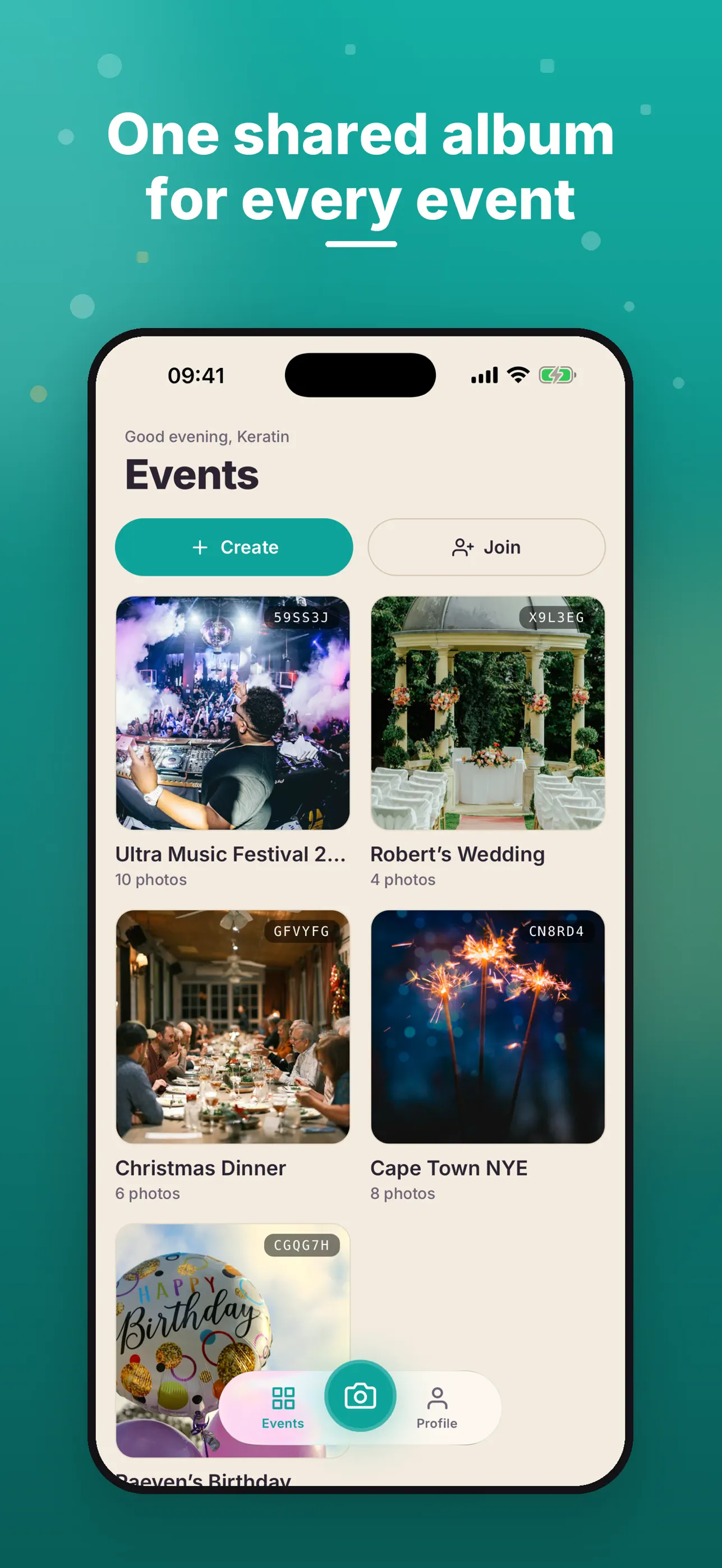
Photos land in one live roll as the night unfolds.
Guests join from the browser.
They can add photos straight from their camera roll without downloading the app.
Open an album with a code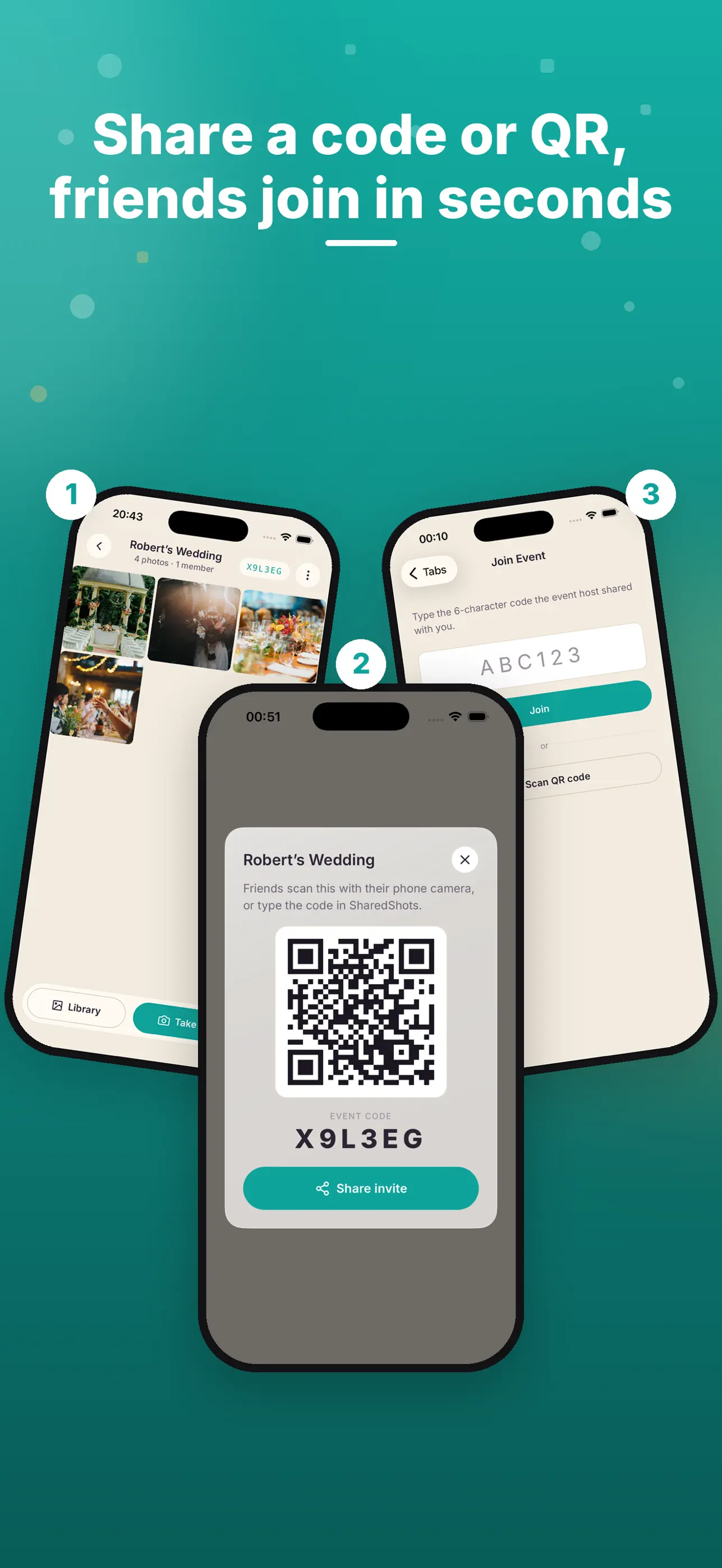
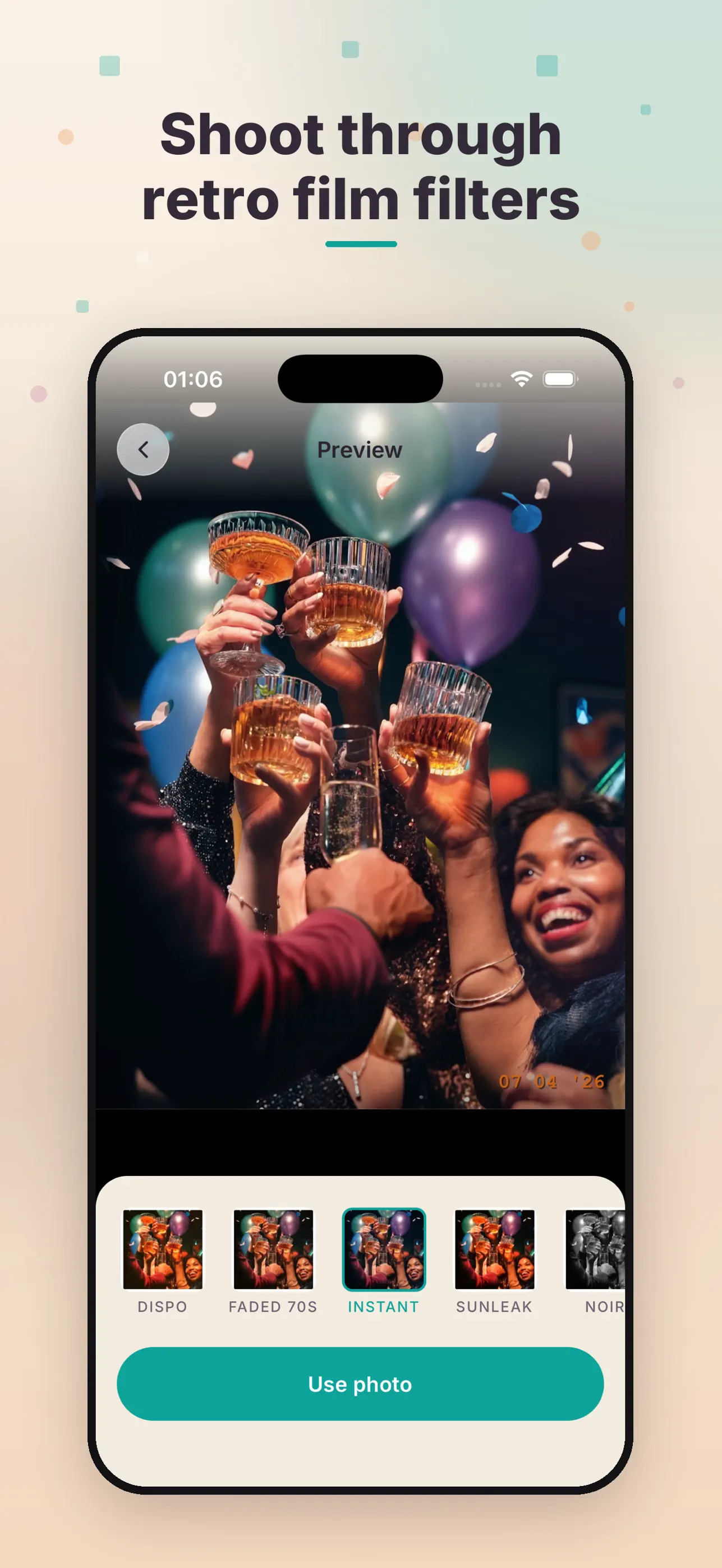
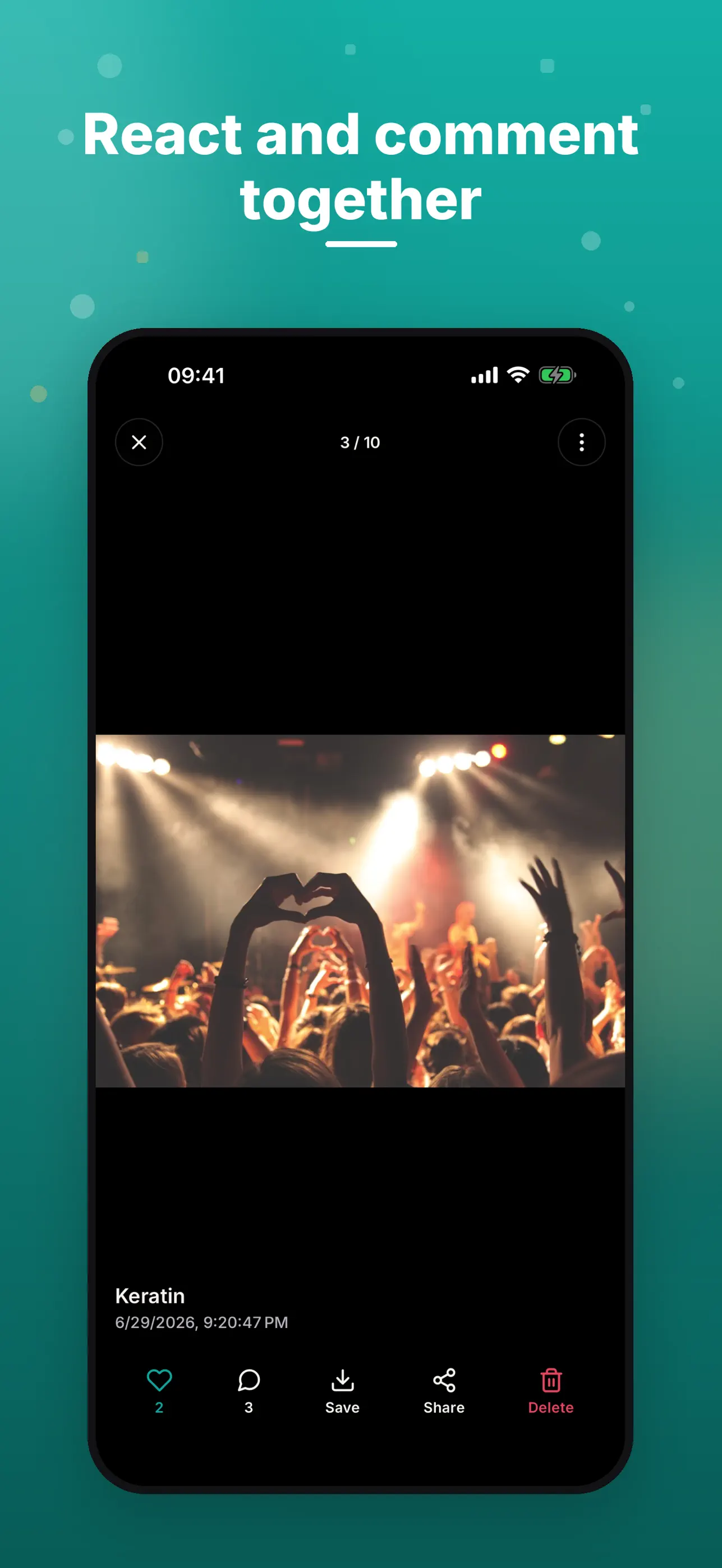
Shoot, react,
and keep going.
Keep taking photos when the signal drops. SharedShots uploads them when the connection comes back.
You host.
You stay in control.
Albums are private by code. Approve who joins, remove members when needed, and keep the roll to the people who were there.
- Private event access
- Host approvals
- Member controls
Put SharedShots on the guest list.
Free to download for iPhone. Requires iOS 15.1 or later.